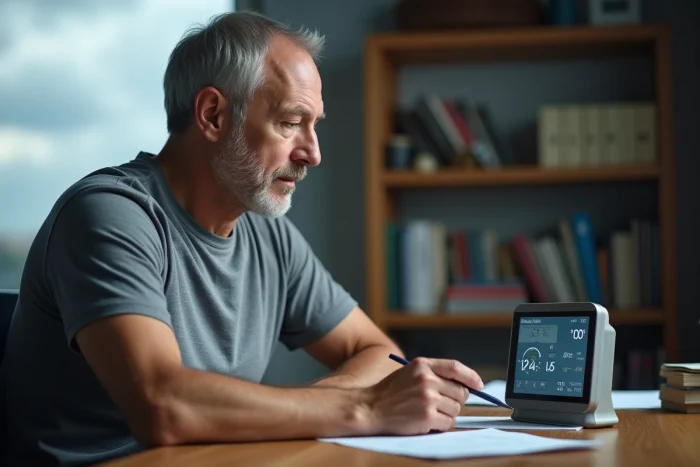
Your weather station displays dashes instead of the temperature, the outdoor humidity has disappeared from the screen, or the readings seem frozen for hours. Before ordering a new model, you can often restore everything with a well-executed reset procedure. The problem is that most reset failures stem from a poor power protocol, not a real hardware failure.
Power Protocol: The Sequence That the Manual Explains Poorly
Most consumer weather stations (La Crosse Technology, Bresser, Auriol, Oregon Scientific) share a common flaw: their manual describes the reset procedure in a few lines, without emphasizing the order in which to restore power. This is where everything hinges.
Field observations show that batteries must first power the outdoor sensor, then the indoor console, never the other way around. If the console searches for a signal before the transmitter is ready, synchronization fails and the display remains blank.
When you need to reset the weather station step by step, you follow a three-step protocol that works on the vast majority of models:
- Remove all batteries from the console AND the outdoor sensor, then unplug the power supply if it exists. Wait at least two minutes for the capacitors to fully discharge.
- Insert new batteries into the outdoor sensor first, then temporarily bring it close to the console (within three meters, in the same room).
- Then power the console. The signal search starts automatically and usually takes a few minutes. If pairing does not occur, press the sync button (often marked “TX” or “SEARCH”) on the console.
This simple protocol resolves the majority of signal loss after a battery change or power outage. If after two attempts the display remains on dashes, the problem lies elsewhere.
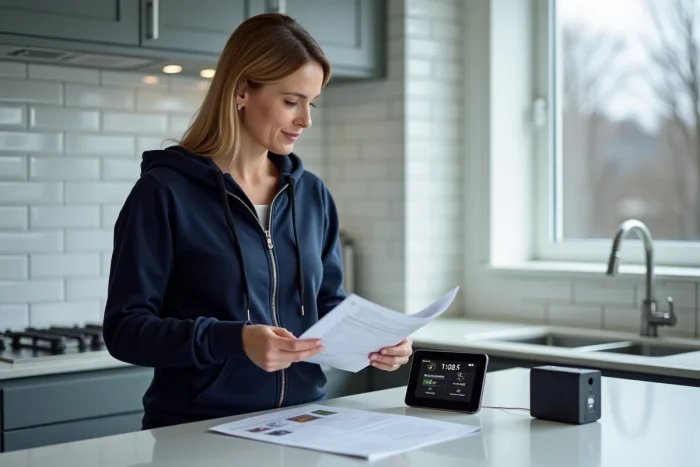
Weather Station Reset: Distinguishing a Software Bug from a Hardware Failure
A reset only fixes synchronization or memory issues. It will not revive a sensor whose transmission circuit is fried, nor a console with dead segments on its LCD screen.
To identify what is blocking, proceed by elimination:
Does the outdoor sensor still emit a signal?
After inserting new batteries into the sensor, observe its transmission LED (if the model has one). On stations operating at 433 MHz, the sensor emits a signal every few tens of seconds. If nothing is blinking and the batteries are correctly oriented, the sensor is likely out of service.
Does the console receive other data?
If the indoor temperature and humidity display normally but the outdoor data is missing, the problem comes from the sensor or the radio link. If the console itself displays a completely blank screen or incoherent characters after the reset, it is the console that is problematic.
Batteries of different brands or partially used ones skew the diagnosis. Always use new alkaline batteries from the same batch for testing. Rechargeable batteries, with their slightly lower voltage, regularly cause erratic behavior on sensors.
Obsolete Weather Station: When the Reset is No Longer Useful
Some connected stations depend on a remote server to display forecasts or synchronize the time. When the manufacturer shuts down this server, the reset will change nothing: the station will continue to display partial data or connection errors. Documented cases show that several brands have ceased support for their older connected models, leaving users with a seemingly functional device but unable to connect.
Here are the signals indicating that we are beyond a simple reset:
- The mobile app associated with the station is no longer available on stores or no longer connects to the servers.
- The transmission protocol of the sensor uses a frequency that is no longer compatible with the console (a rare but real case when replacing a sensor with a newer model from the same manufacturer).
- The LCD screen shows permanently off segments or blackened areas, a sign of irreversible aging of the display.
- The outdoor sensor shows signs of oxidation on the battery compartment or on the temperature probe contacts.
In these situations, investing in a new compatible sensor (if the manufacturer still offers one) or replacing the entire station remains the most reliable solution.
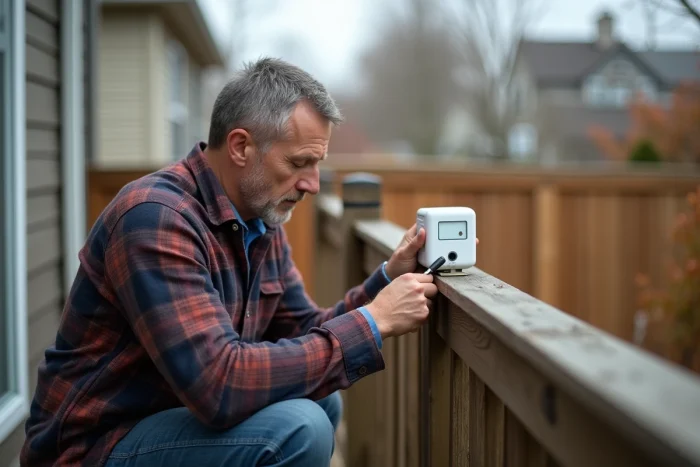
After the Reset: Settings and Checks for Reliable Readings
Once synchronization is restored, you don’t just watch the temperature appear. A few checks can prevent having to repeat the procedure a week later.
Manually recalibrate the altitude and atmospheric pressure if your station displays forecasts based on the barometer. After a complete reset, these values often revert to factory settings. Without correction, the displayed forecasts will be offset.
The location of the outdoor sensor is as important as the reset procedure. A sensor exposed to full sunlight in the afternoon will skew temperature readings. A sensor too far from the console or separated by several load-bearing walls will regularly lose the signal, especially on 433 MHz models whose actual indoor range is much lower than that advertised by the manufacturer.
Feedback varies on this point, but bringing the sensor closer by a few meters after a reset often stabilizes a connection that was frequently dropping. A stable transmission is better than a theoretically ideal location but out of radio range.
Also check that the time and date have properly resynchronized. On models receiving the DCF77 time signal, the update can take several hours, especially at night. On Wi-Fi connected stations, synchronization depends on reconnecting to the network, which sometimes requires re-entering the password via the app.
A well-conducted reset, with the correct power order and new batteries, resolves the vast majority of common malfunctions. When that is not enough, the hardware diagnosis described above allows you to quickly determine whether to repair or replace, without wasting an afternoon repeating the same operation.